
Reordering Route “BUY”
In case the company has a specific of work when there should be set a minimum and maximum quantity at stock, we can set it here for the products that can be purchased:
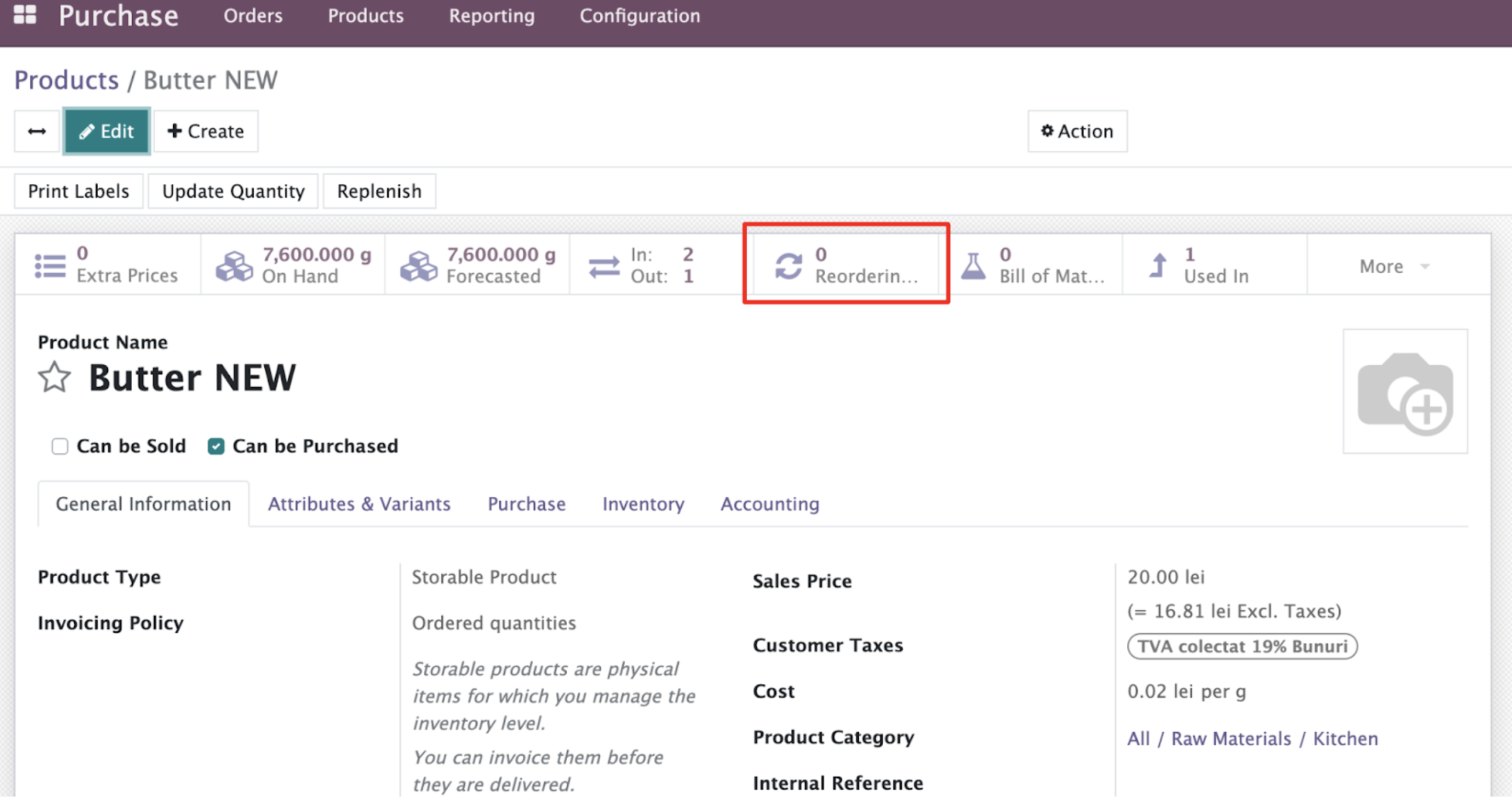
This smart button will take us to a list of reordering rules for the product. If the list is empty - click “Create” and fill next fields:

So now each time the quantity at stock will reach minimum > the PO for the missing product will be created automatically.
The program has current settings to check Inventory once per day, but for testing we can use next command:
1. Check that the quantity of purchased product is below minimum at stock (Inventory Adjustment)
2. Inventory app > Operations > Run Scheduler
3. Check if the RFQ was created at the Purchase app.
4. Follow the creation of PO flow to buy the products and they will appear at stock.
In case we don't want to configure the automated action for reordering > Reordering rules for the product may not be set.