Split POS Order
To use Splitting functionality, first we need to allow splitting the PoS order at the PoS session settings:
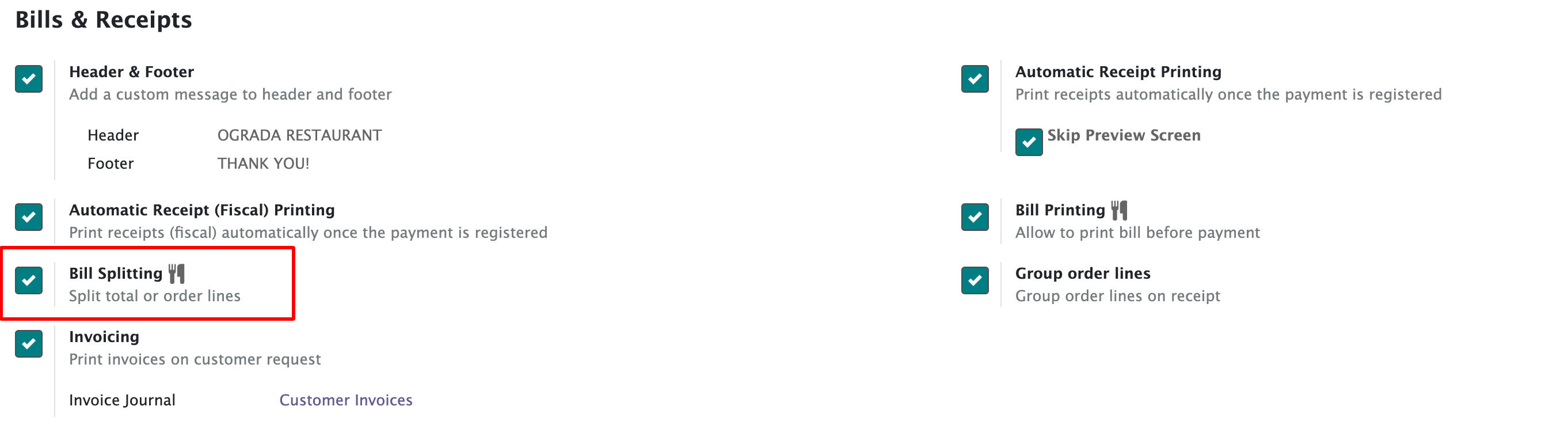
This checkbox will enable Splitting control button at the main PoS UI:

Click on the Split button and select the lines that we need to split to a new PoS order from the current one and click the Split button:
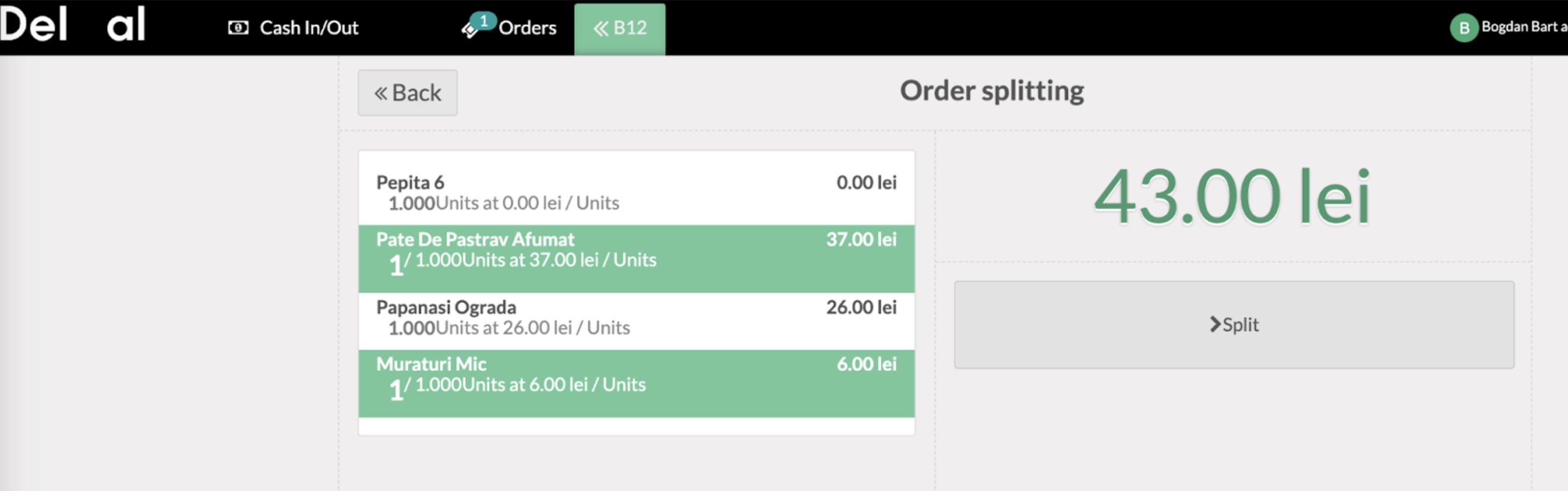
The order will get split into 2 separate orders like below:
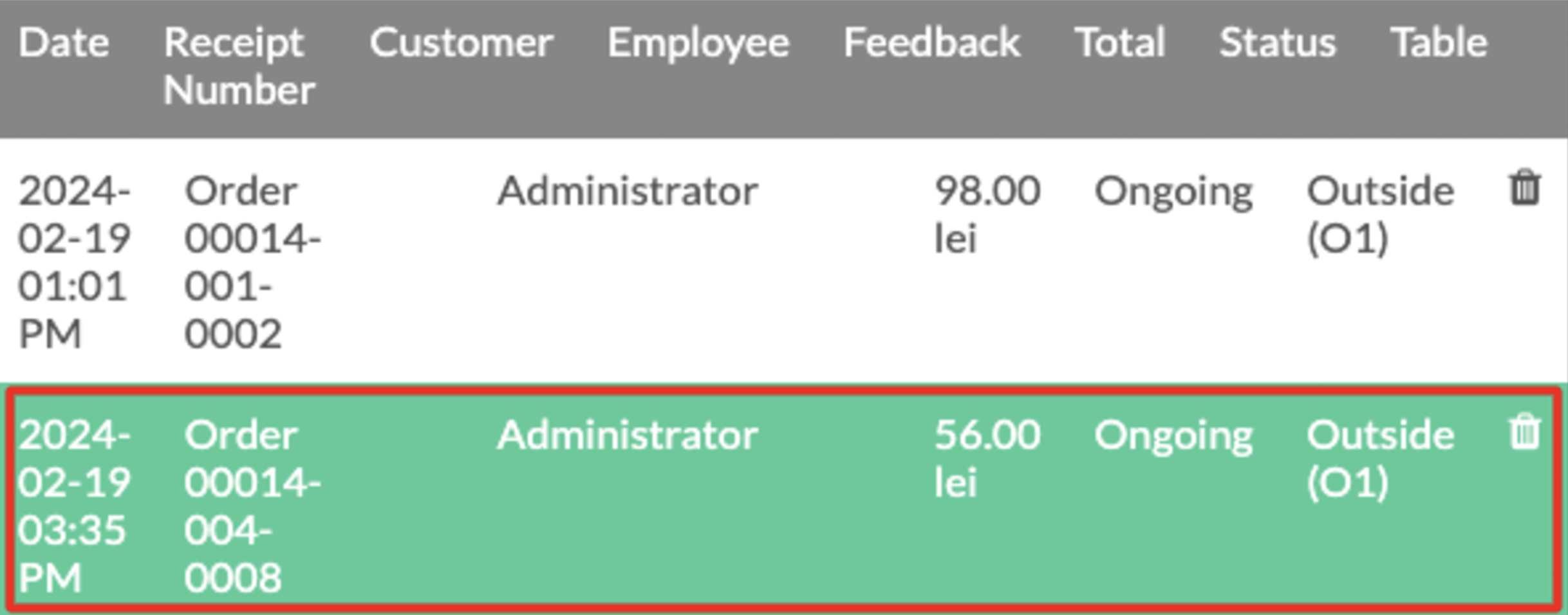
The orders will appear with a deactivated order button.
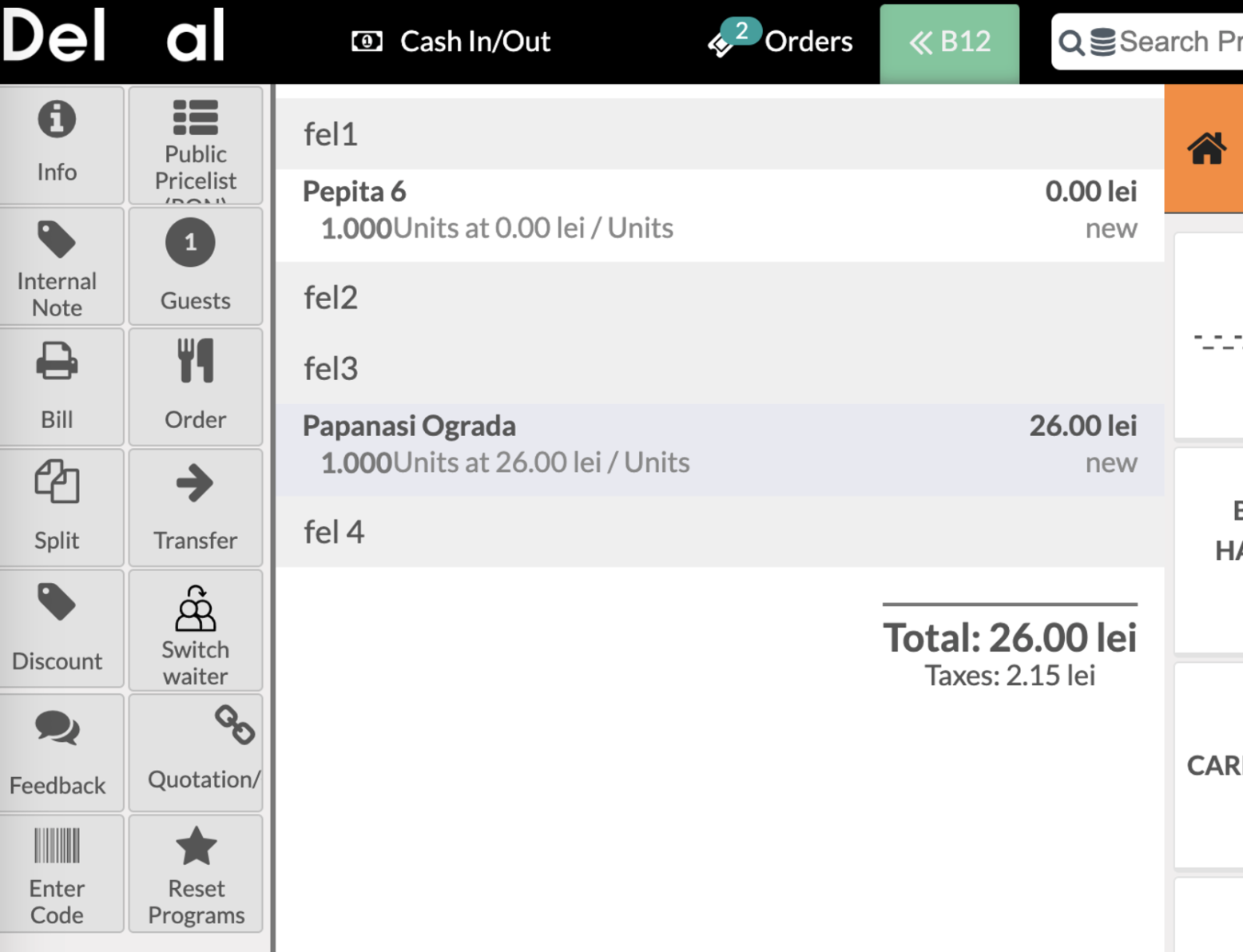
The order printers will print the split order tickets only after the “Split” button is pressed. The sequence of tickets printed remains as follows:
1. One initial ticket with the full order before splitting.
2. One canceled ticket with the splitted Products.
One new ticket with the same splitted Products.
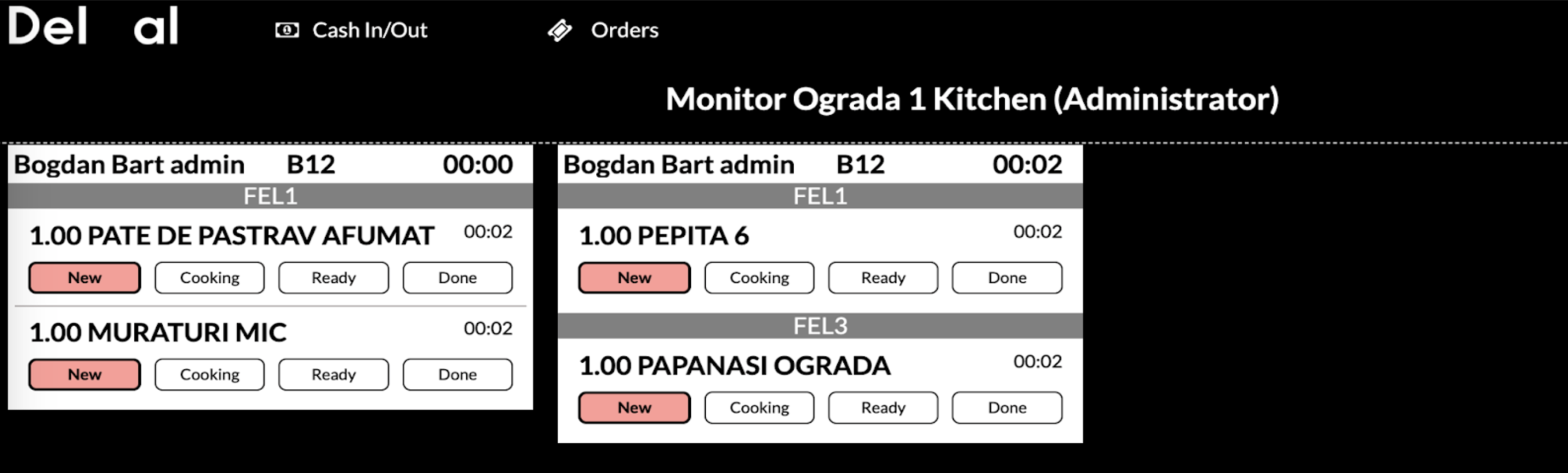
At the Order monitor the lines will be displayed as two separate Orders: