
Chatter
Chatter is situated to the right (or bottom) side of any form view:
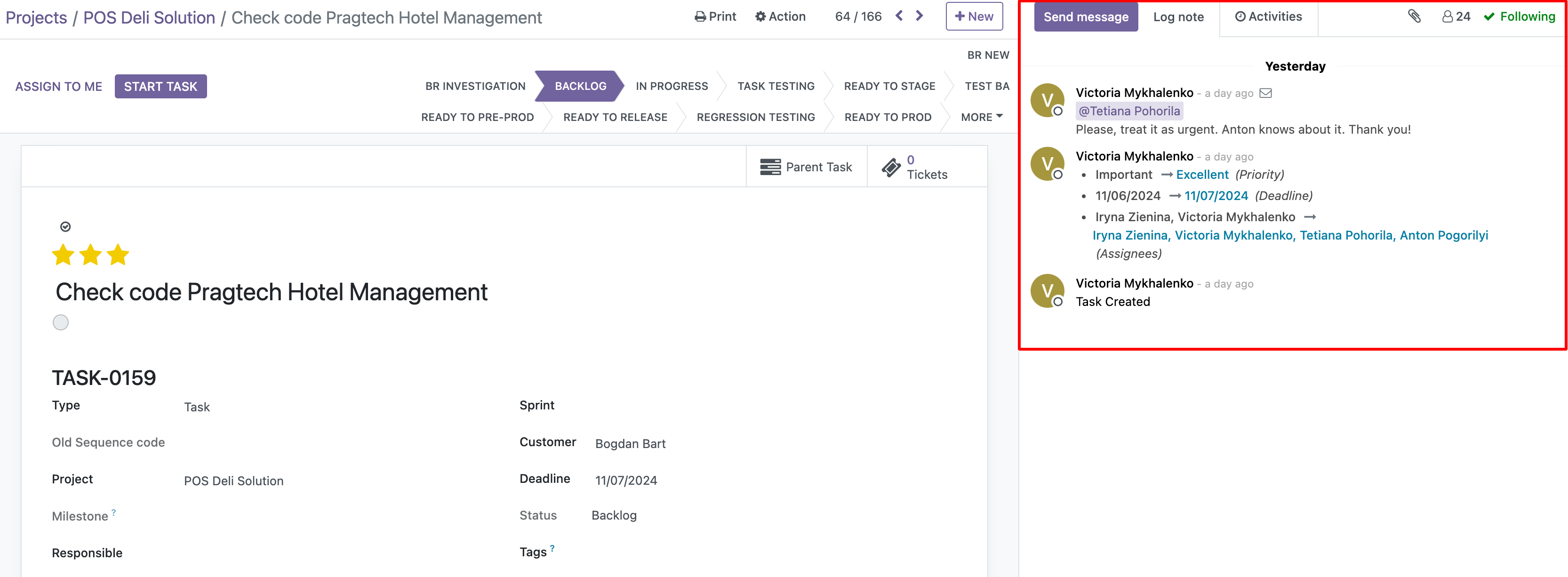
Chatter will always contain the same components, no matter the record we are into:
- timeline of the records, events and changes made to the record
- messages sent to the assignees by email
- messages that are logged in the chatter for internal communication between the team members
- scheduled activities.
If someone modifies a field in a record, this change will appear in the Chatter. That will also show the name of who modified it and what exactly was modified.
Chatter can become a strong communicational channel in the company.